Steven's Launch Guide for iPhone and Android
Your launch day companion.
The best app for watching, or photographing, a Florida rocket launch in person. Where to stand, which way to look, whether clouds will block it, and a countdown in your ear when it matters.
Made by Steven Madow, the photographer behind stevenslaunchguide.com.
- EveryFlorida launch, live
- 15hand-picked viewing spots
- 7pads, with which way to look
- $0no ads, no account, no tracking
Launch day, start to finish
From the week before to the booster landing, it knows what you need next.
- T−7 days
Know what's launching, and when it's real
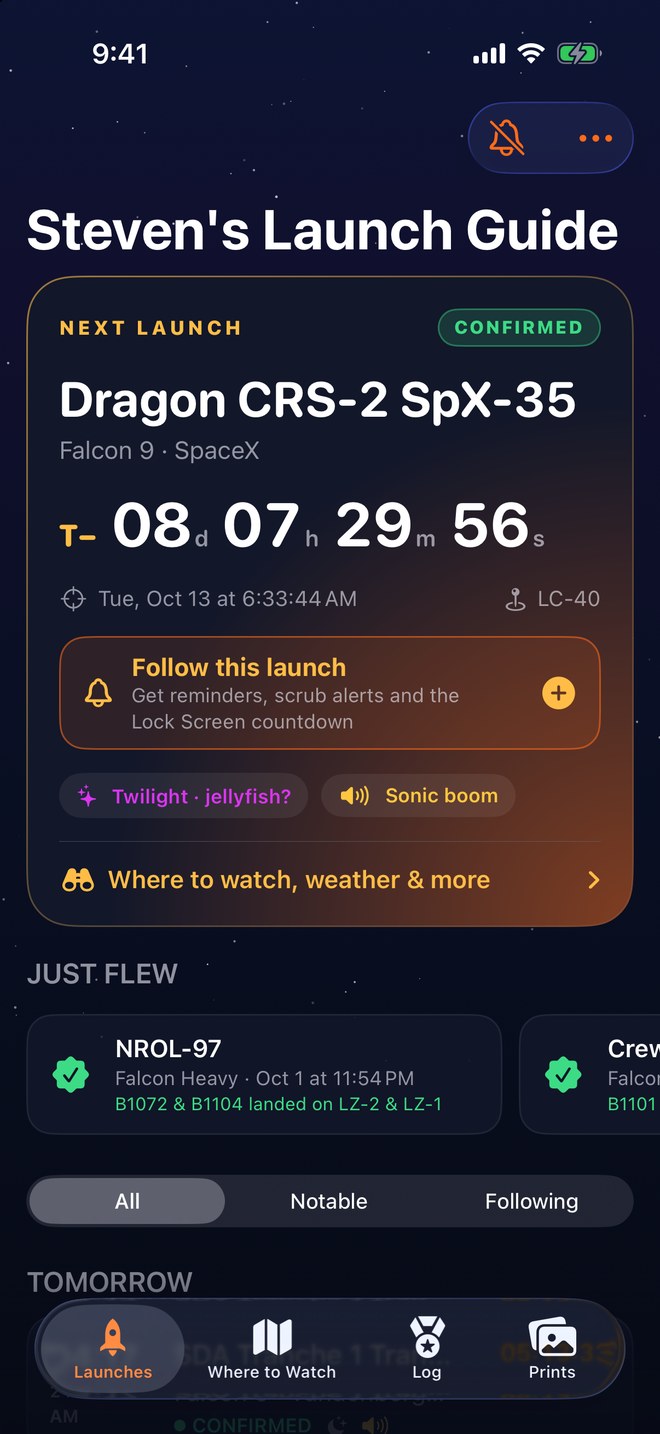
Every launch from Cape Canaveral and Kennedy, with honest times: if only the day or month is known, that's all you'll see.
- Live T-minus for every Florida launchGrouped by today, tomorrow, the week and beyond, with the next launch front and center.
- CONFIRMED vs GOA firm T-0 says Confirmed. GO only appears when the launch team actually polls GO.
- Holds and scrubs as they happenClaude reads launch updates, the news and posts on X, and puts the hold reason or new time right on the launch.
- Launches elsewhere, if you want themThe guide is all Florida, but one switch adds the rest of the world's launches with a countdown, reminders and the cloud forecast at the pad.
- Follow what you care aboutReminders, slip and scrub alerts, plus auto-follow for crewed flights, Falcon Heavy, New Glenn, any rocket or provider, or every Space Coast launch.
- Only the alerts you wantPick each kind: reminder times, delays and scrubs, GO, results, Playalinda, and a first look at Steven's photos.
- Just flewResults and where every booster landed, minutes after liftoff.
- T−1 day
Be in the right place
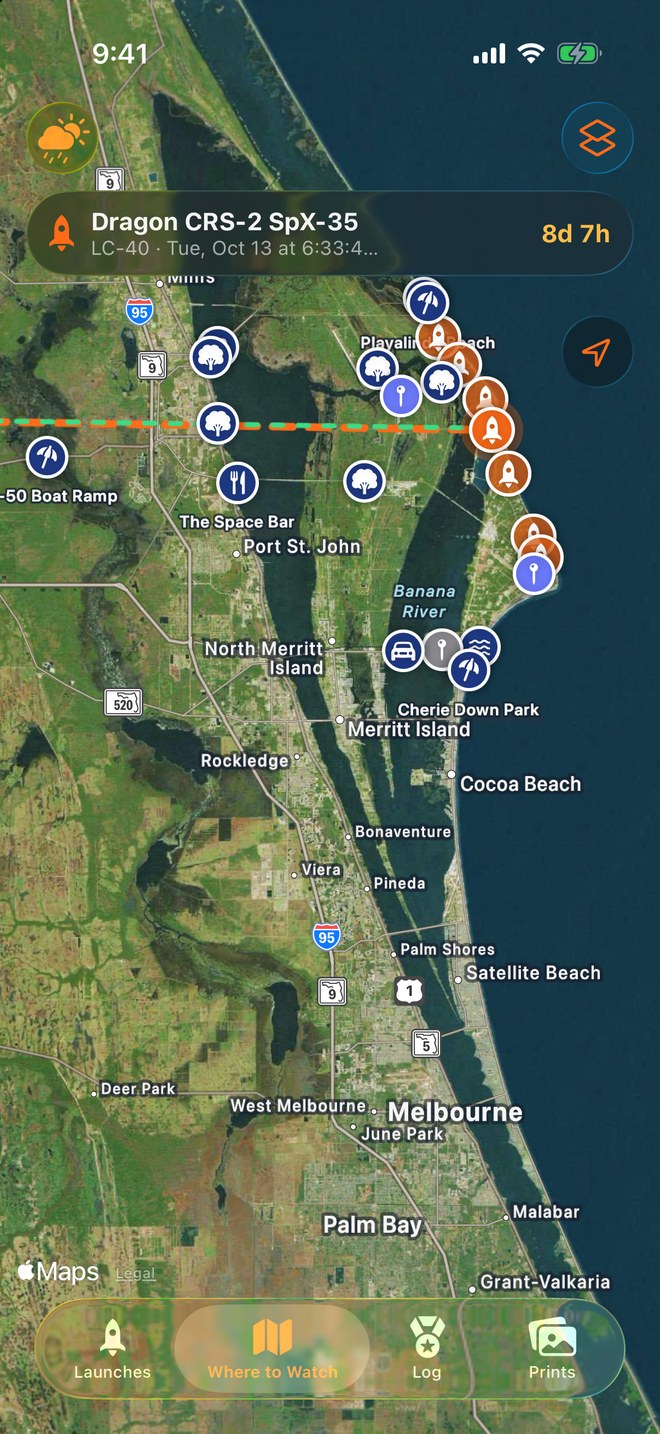
Hand-picked viewing spots from the person behind stevenslaunchguide.com, with his own photos of each one.
- The closest spots to each padDistance, which way to face and directions, with lines from every spot to the pad on the map.
- Closed spots left outNo driving to the LC-39 gantry for a 39A launch.
- Will Playalinda be open?Park Service notices tied to each launch, a heads-up for pads 39A and 39B, and a push the moment it's confirmed.
- Jellyfish heads-upWhen a twilight launch could light up a "space jellyfish" plume, the launch page says so and points you to John Kraus's Jellyfish Predictor.
- T−3 hours
Know if you'll see it
Clouds decide everything. See them the way forecasters do.
- Launch-weather oddsThe 45th Weather Squadron's GO percentage and the rules they're worried about.
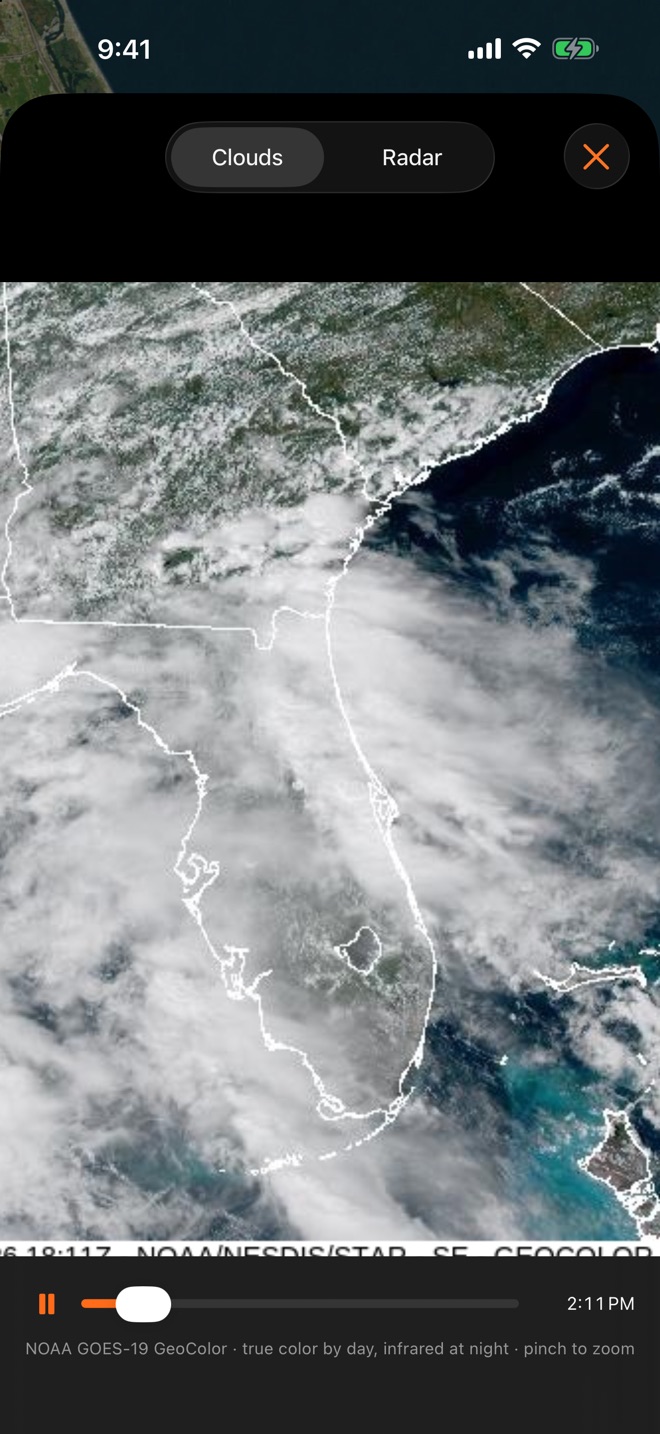
- Clouds by layer at T-0Low, mid and high cloud from Apple Weather, with a plain-English verdict.
- Satellite and radar loopsNOAA GOES-19 true color by day, infrared at night, and NEXRAD radar over the pads.
- Daytime, twilight or nightIncluding “space jellyfish” alerts for twilight launches, and sonic boom warnings for Cape landings.
- T−10 minutes
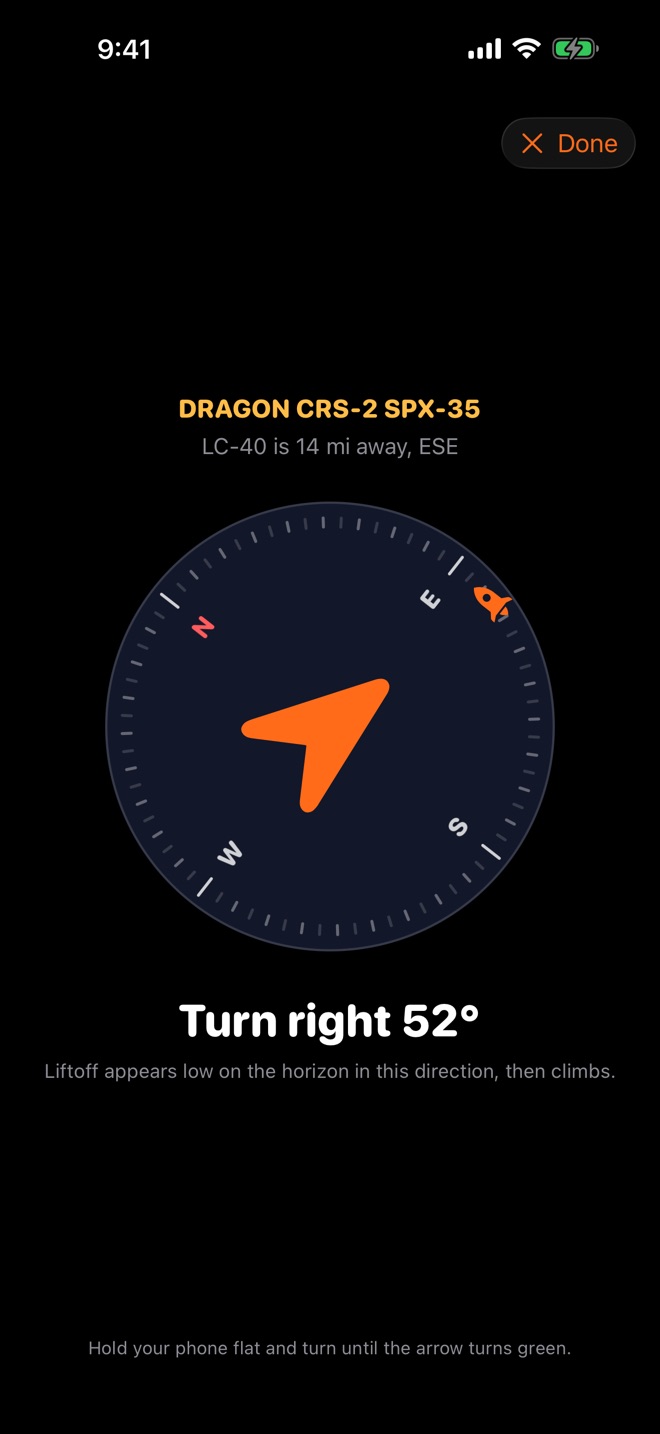
Point at the pad
Hold up your phone and turn until the arrow lines up. That's where it comes up over the trees.
- Live compassFind the pad from wherever you're standing, with a quick calibration for steel-railed piers.
- Your viewDistance to the pad, how long the sound takes to reach you, and whether it'll clear the horizon.
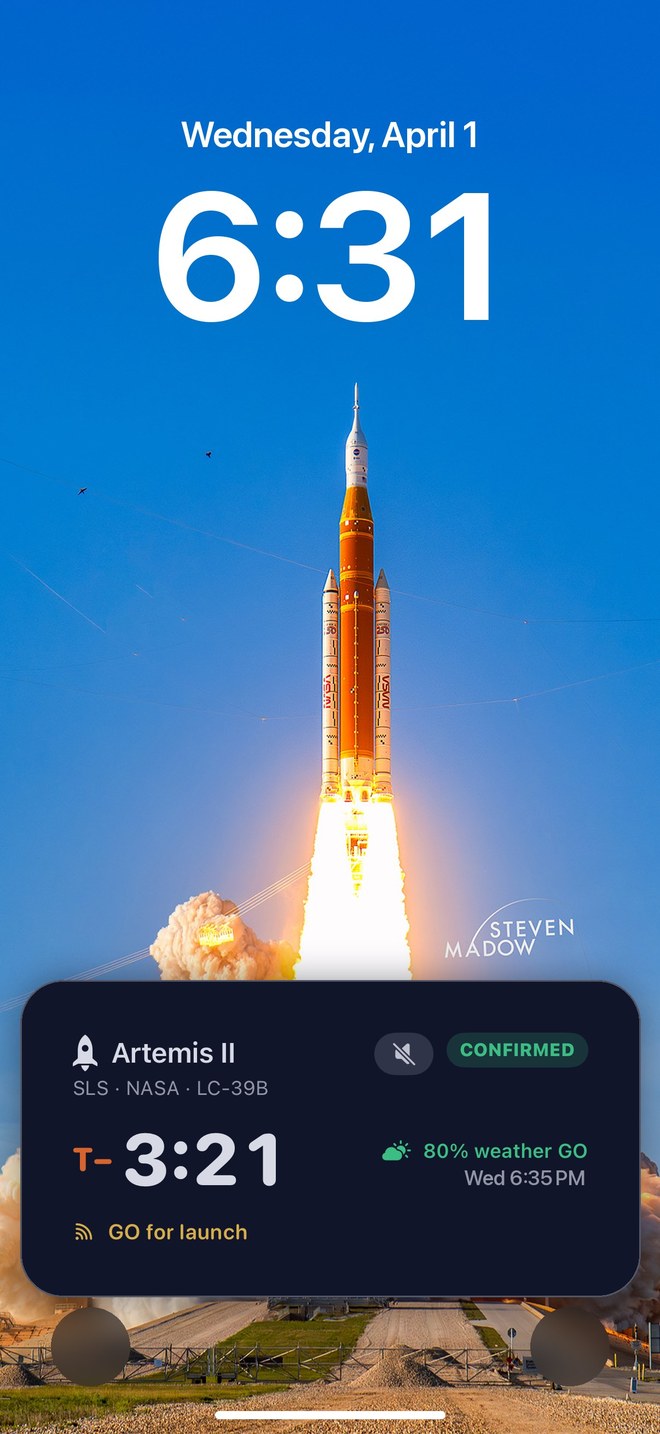
- Lock Screen countdownStarts itself an hour before launches you follow, in the Dynamic Island and full-screen in StandBy.
- T−0
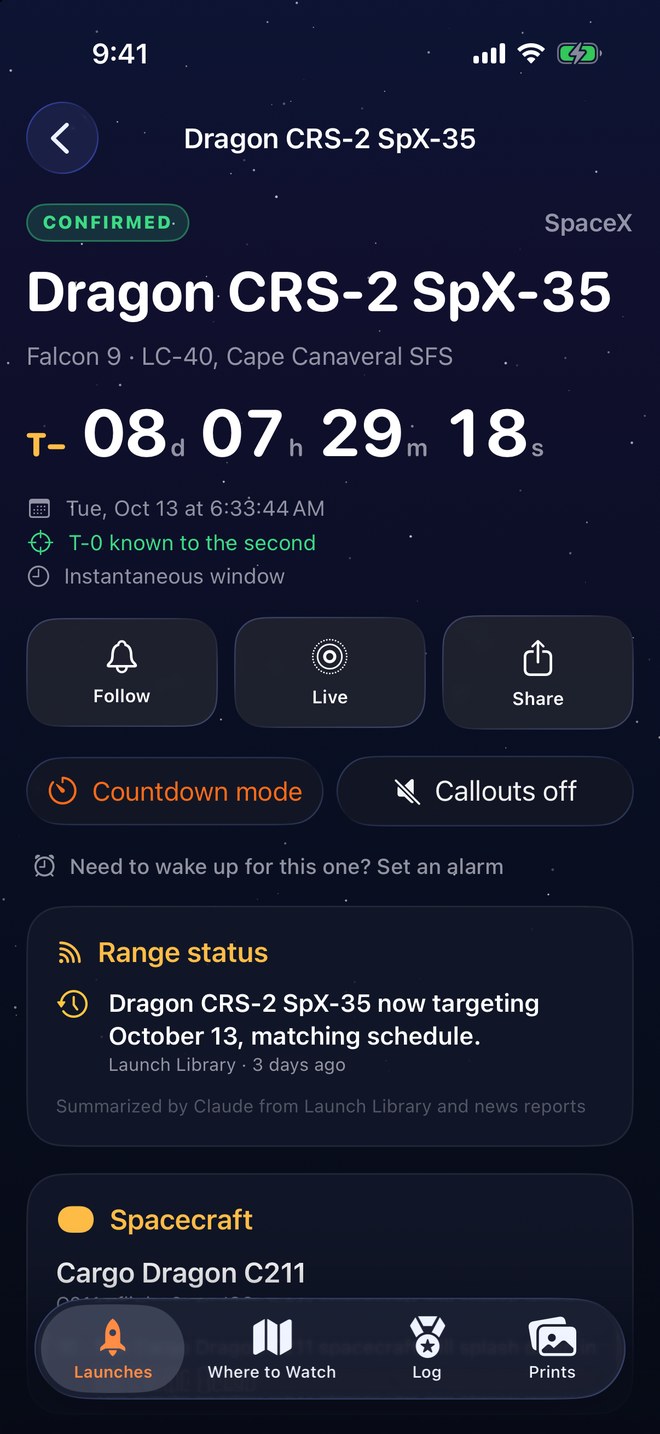
Eyes up, not on your phone
A voice countdown in your ear while you shoot, through AirPods, glasses or out loud.
- Spoken calloutsT-minus milestones, the final ten, “Liftoff!”, then Max Q and engine cutoff.
- Booster burn warnings30 and 10 seconds before boostback, entry and landing, so you're looking at the right part of the sky.
- Control it from the Lock ScreenTurn the voice on or off without unlocking, and choose headphones or the phone speaker.
- T+8 minutes
Then watch it come home
After liftoff the countdown keeps going, to every burn and the landing.
- Booster countdownsBoostback, entry and landing burns on the Lock Screen, for every booster on a Falcon Heavy.
- Landing zone or droneshipWhere it's coming down, and if the sonic booms are coming your way.
- Results pushed to youSuccess, landing and anything that went sideways, the moment it's known.
- Your launch log and badgesTap “Add to your launch log” on the Lock Screen right after liftoff (or answer the nudge an hour later) and where you watched from. Earn tiered badges (first crew launch, sonic booms, night launches, Falcon Heavy…) and print discounts along the way.
- Steven's recap of the launch you sawLog a launch you saw and, when Steven shot it too, his photos, reel and the prints from that launch open right there. Every recap also has its own page at stevenslaunchguide.com/recaps.
- Every launch you've ever seenCheck off past launches year by year, search every launch worldwide (with a badge for each new launch site), or bring your own list (a spreadsheet, a note, any text) and Claude matches each launch.
- Rockets you've seenEvery Space Coast rocket by company: today's fleet, then the classics from Delta IV Heavy back to Saturn V and Mercury.

Know the mission
Everything about the rocket and what it carries, on one page.
Everywhere you look
The countdown follows you off the app.
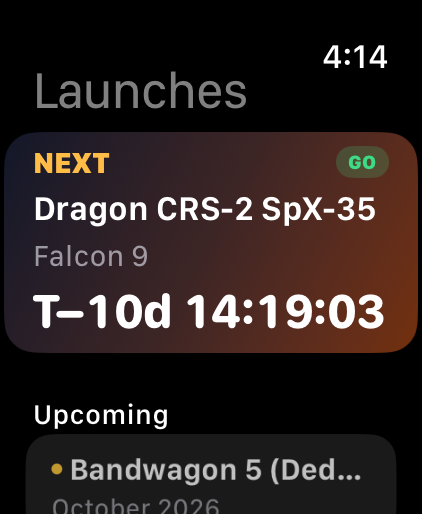 Apple WatchThe next launch and its countdown on your wrist.
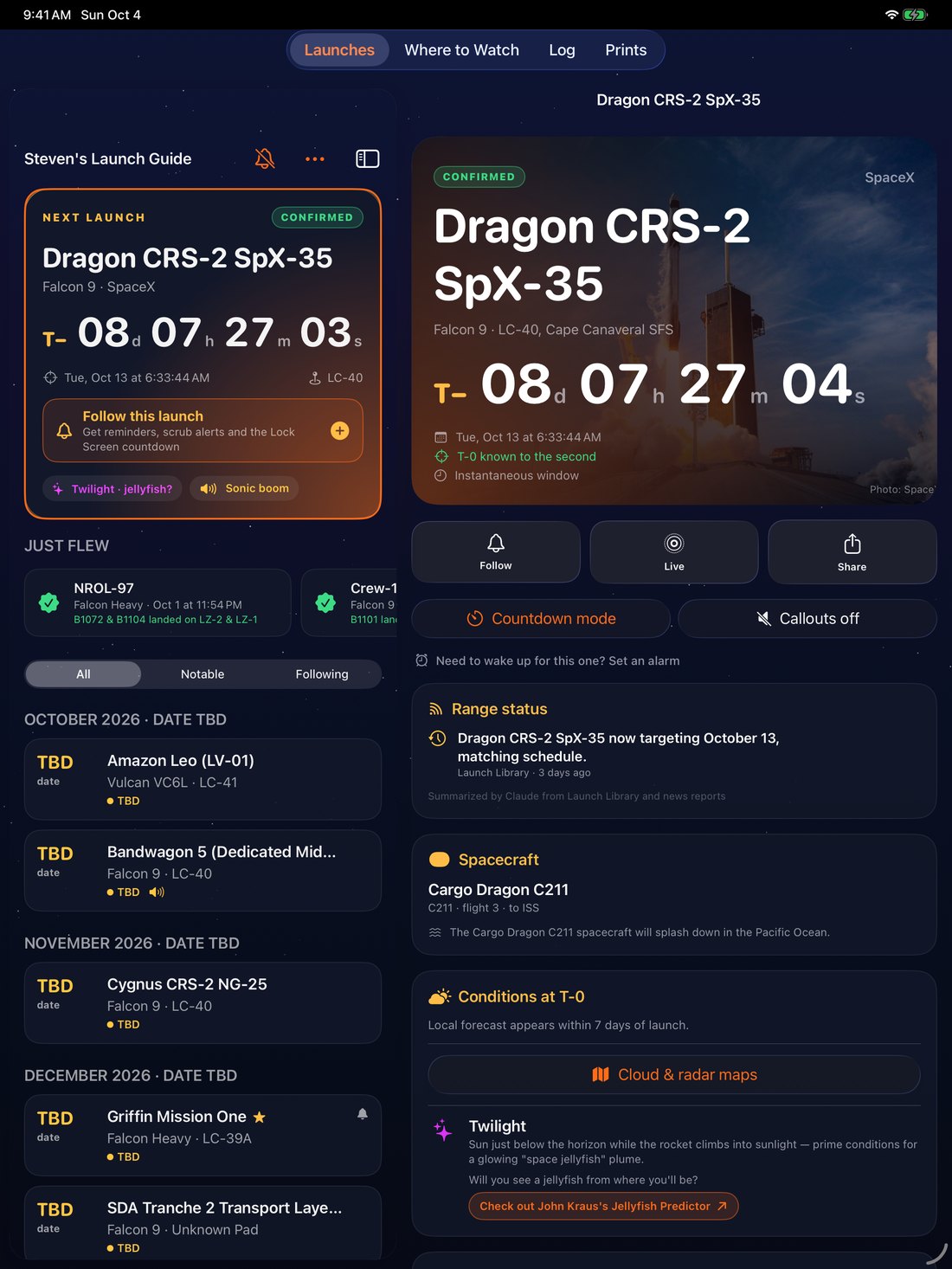 iPadThe schedule and the launch side by side.
Prints
Hang a launch on your wall
The app carries Steven's launch photography too: prints from the same rockets you're watching, shot from the Space Coast.
Browse space prints